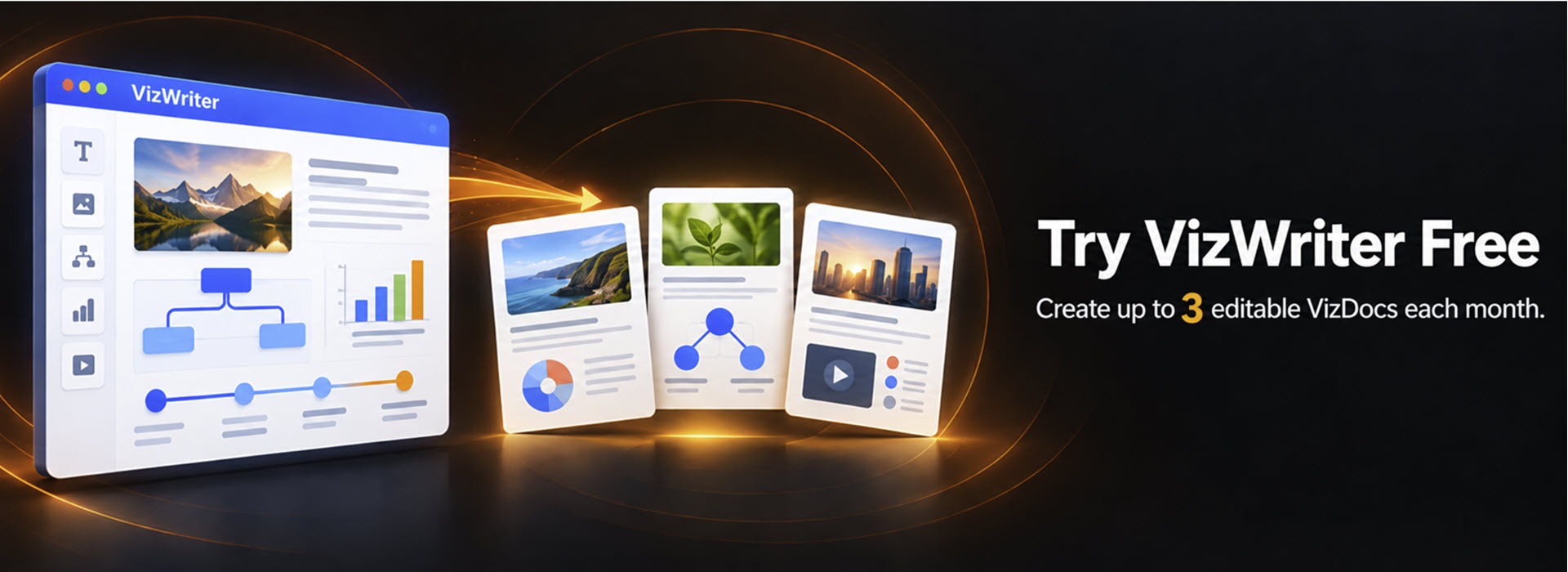


A Visual Workspace for a New Kind of Document
Bring text, images, diagrams, media, and interactive elements together in one connected workspace.
Familiar editing tools make it easy to begin, while VizWriter gives you the flexibility to create VizDocs — interactive and visual for people, semantically structured for AI.

Three Ways to Start
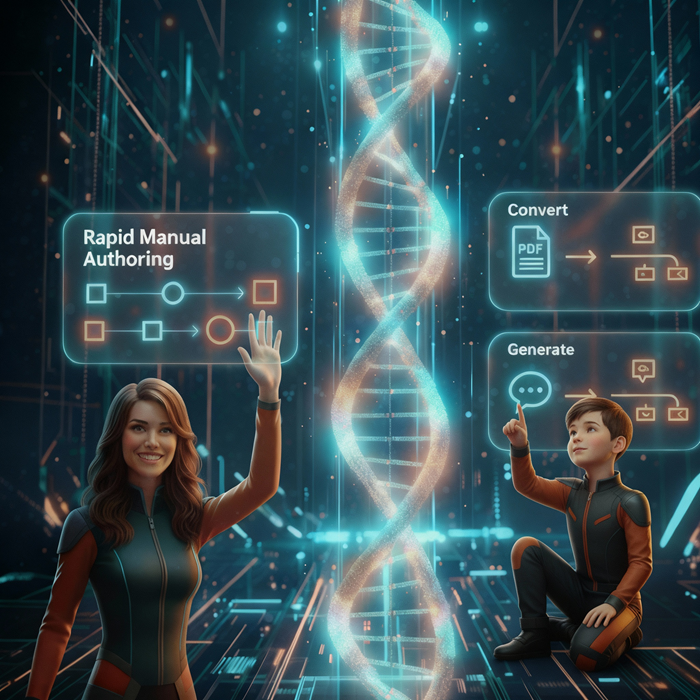
Begin with a blank canvas or a template for the page type you need. You can also convert existing content or generate a first draft from a prompt. However you begin, every result is editable in VizWriter.1. Create in VizWriter — Start with a blank canvas or choose a page-type template, then customize every part of your VizDoc.
2. Convert existing content — Turn PDFs, Word documents, slide decks, or textbooks into an editable first draft.
3. Generate from a prompt — Describe what you need, then review, refine, and customize the structured first draft in VizWriter.
One Workspace, Many Content Types
Build each part of your VizDoc using the content type that communicates it best.
Combine rich text, pages, slides, diagrams, whiteboards, spreadsheets, timelines, images, video, quizzes, hotspots, math, chemistry, and other interactive elements in one visual workspace — all without switching between multiple tools.

Create AI-Ready VizDocs
As you arrange content in VizWriter, its hierarchy and relationships are preserved within the VizDoc.People can interact with and visually explore the result, while AI can work with the organization and context built into the document.
FAIT Connects the Big Picture to the Details
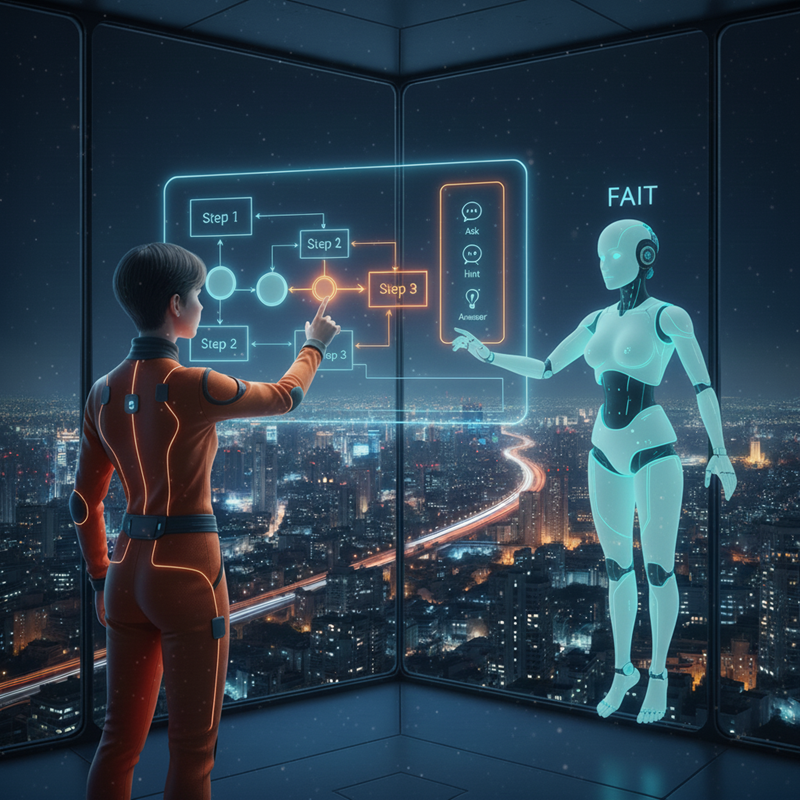
FAIT, the Foundational AI Tutor, follows a visual teaching approach built around the structure of a VizDoc. It begins with the big picture, then moves into the details while showing how each idea connects to the whole.
Throughout the tutoring process, relationships among ideas remain visible, helping learners understand each part without losing sight of the whole.
How VizWriter Differs from Traditional Documents and Slides
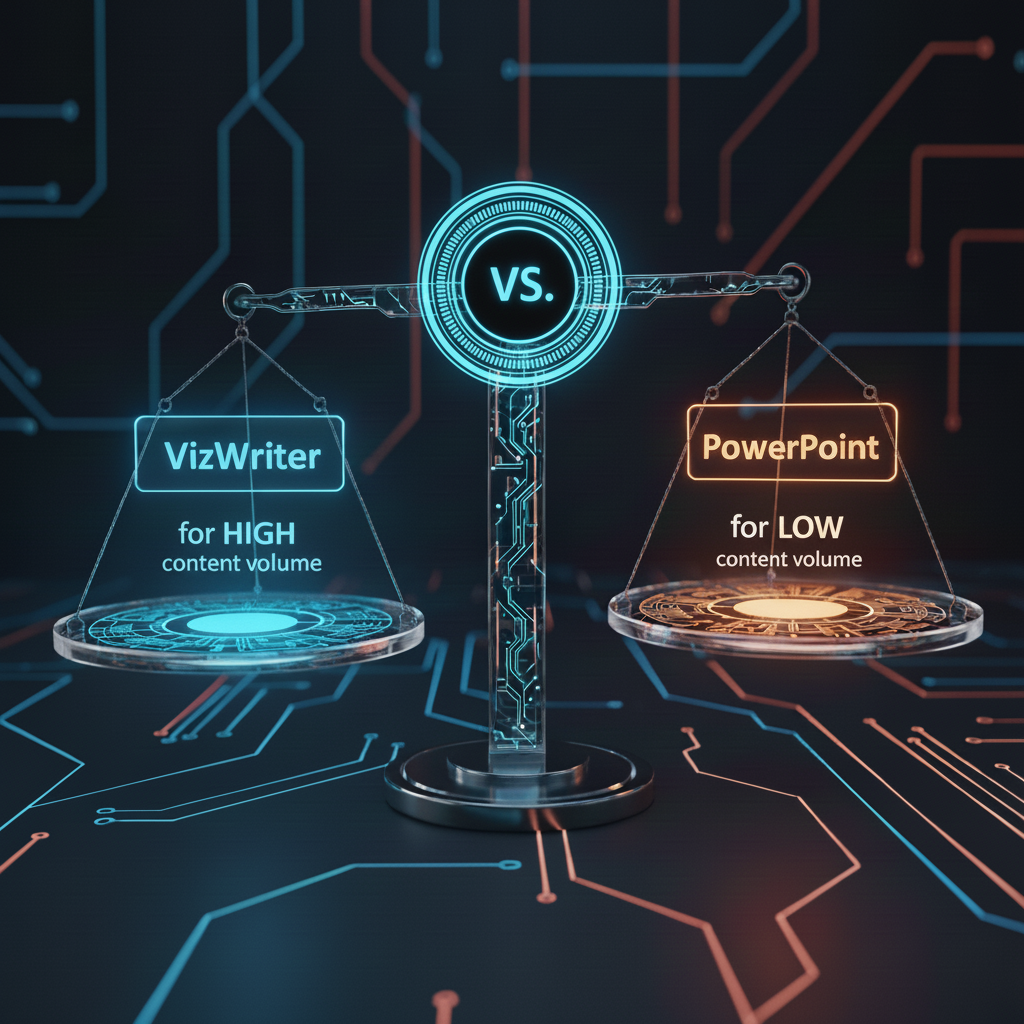
Word and Google Docs are well suited to linear, text-based documents. PowerPoint works well for presentations, pitches, and concise visual narratives.VizWriter is designed for interactive, visual, connected knowledge. Use it when people need to explore relationships, move between levels of detail, and combine visualization and interaction to make complex topics easier to learn, explain, or communicate.
Who Is VizWriter For?
VizWriter is for anyone who needs to make complex knowledge easier to understand, explain, and use.
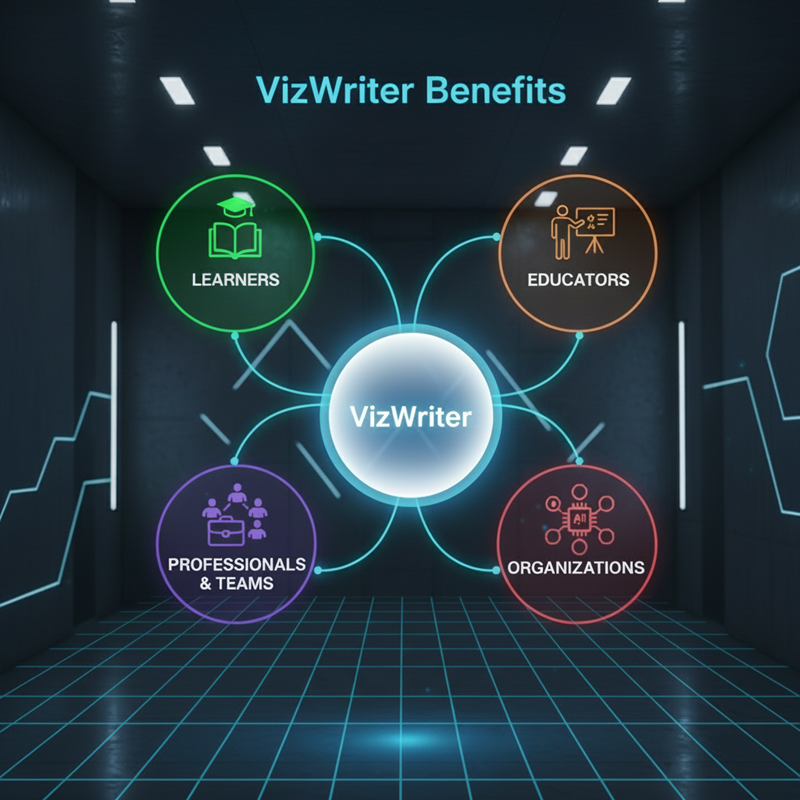
● Learners can create interactive and visual study materials and explore ideas more clearly.
● Educators, trainers, and creators can turn difficult topics into interactive learning experiences.
● Teams and organizations can build structured VizDocs for training, knowledge sharing, and use with AI.