


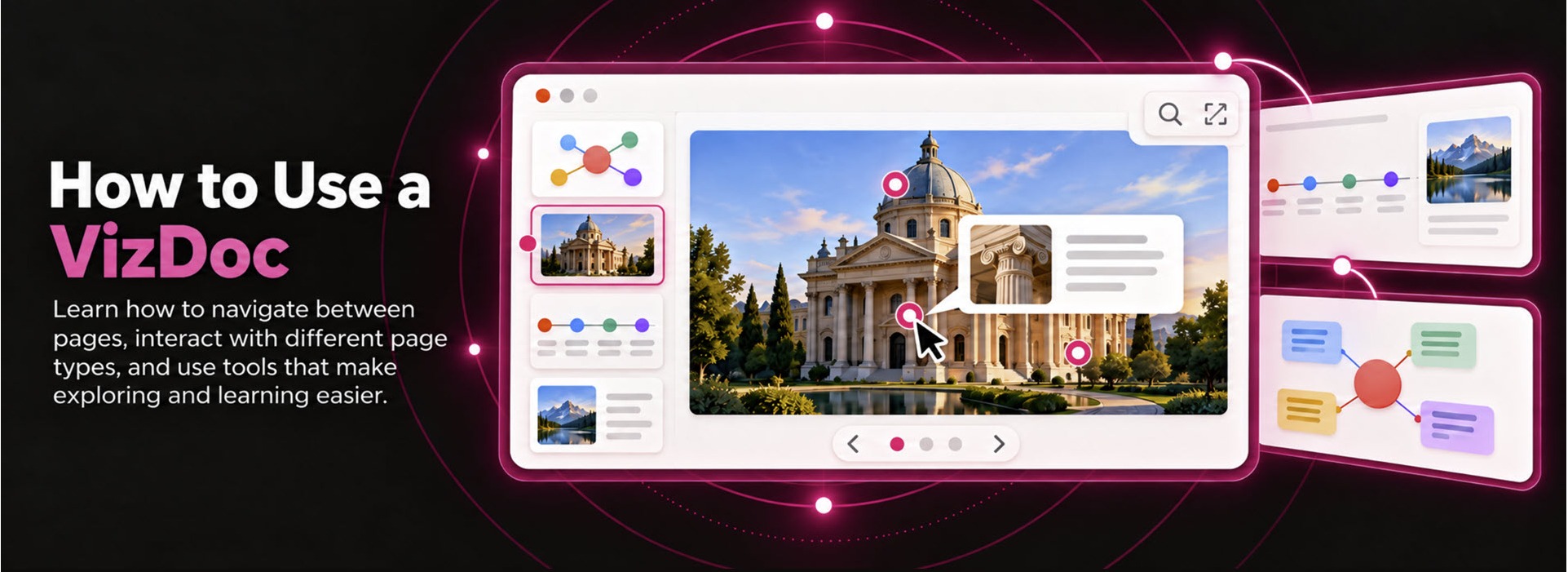
How to Use a VizDoc
Learn how to navigate between pages, interact with different page types, and use tools that make exploring and learning easier.
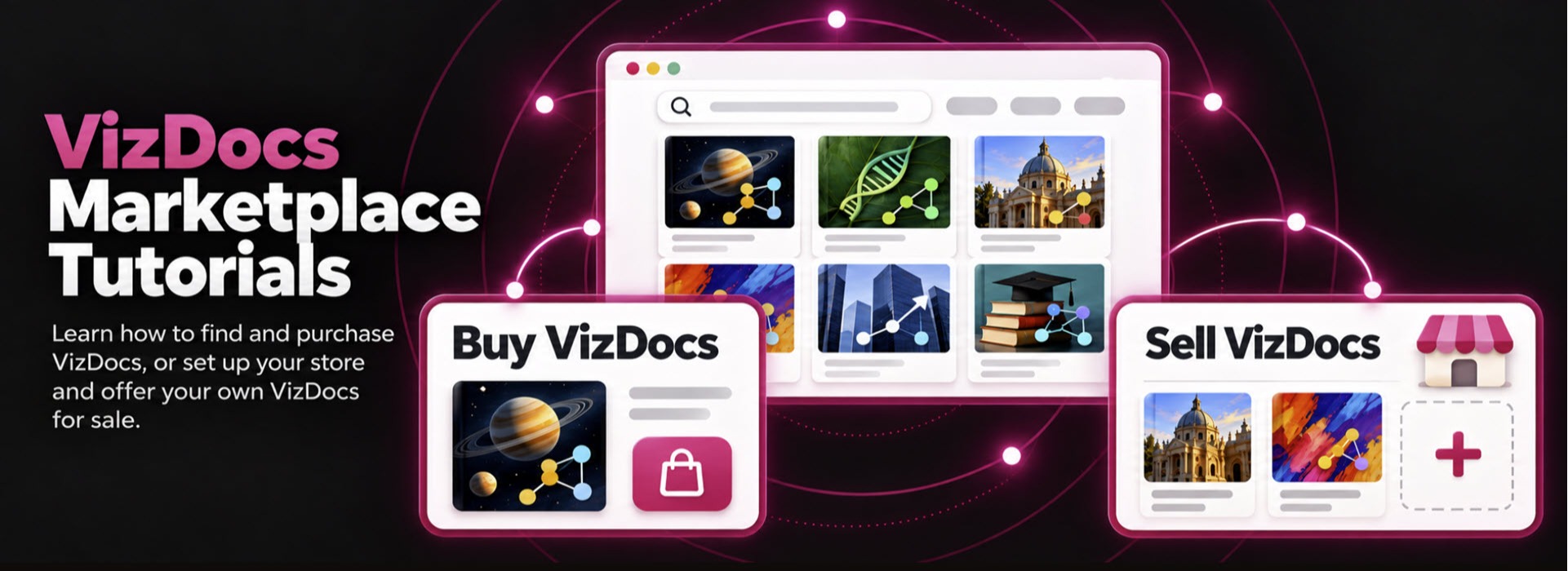
How to Find and Buy VizDocs
Learn how to:
1. Find VizDocs using search, categories, and filters.
2. Purchase a VizDoc.
3. Access your purchased VizDocs.
4. Review the return policy and request a return.
For additional questions, please see the FAQ section.
How to Sell Your VizDocs
Learn how to:
1. Set up your seller account.
2. Create your store profile.
3. Add and update your VizDoc listings.
4. Withdraw your earnings through My Wallet.
For additional questions, please see the FAQ section.
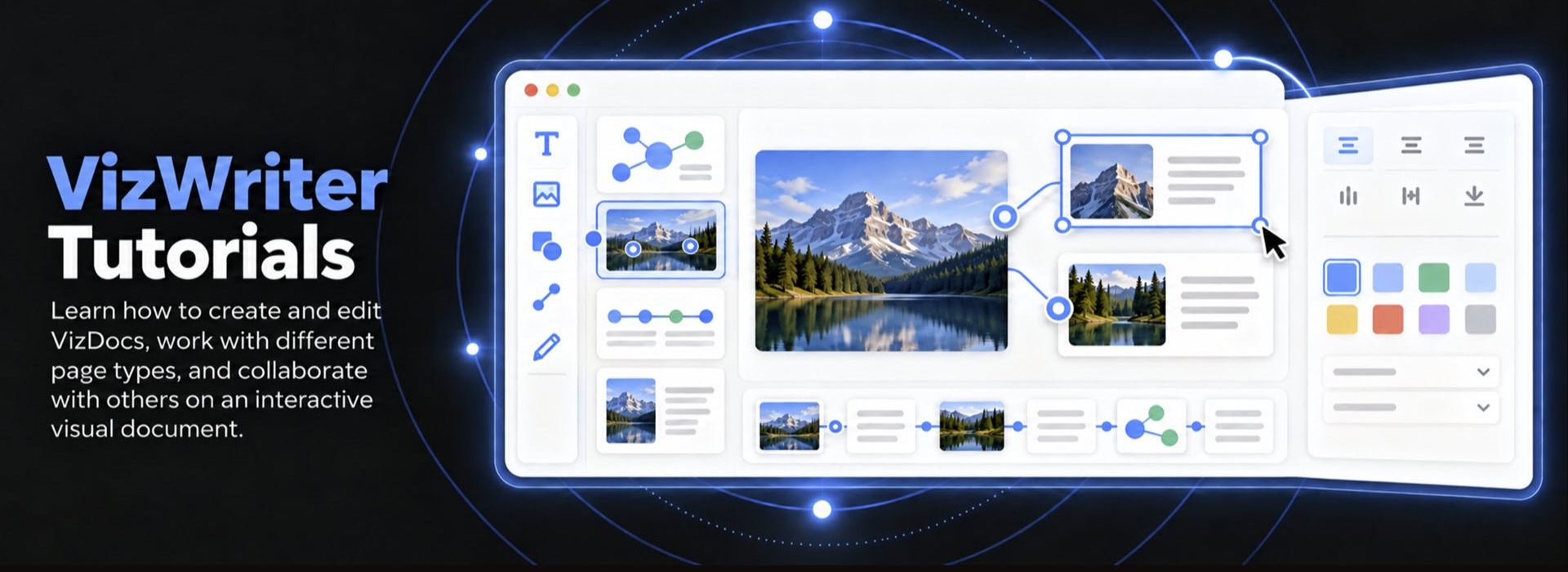
VizWriter Tutorials
Learn how to:
1. Create and edit VizDocs.
2. Work with different page types.
3. Collaborate with others on an interactive visual document.
For additional questions, please see the FAQ section.
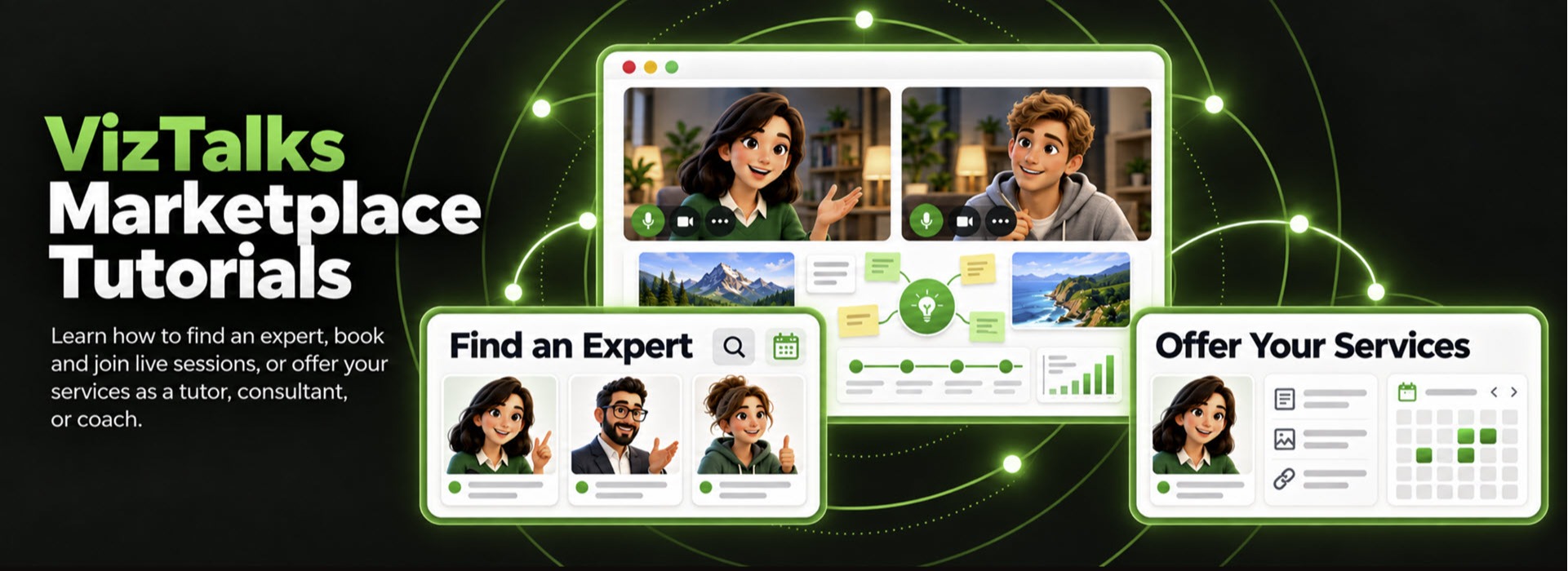
How to Find an Expert and Book a Session
Learn how to:
1. Find tutors, consultants, and coaches using search, categories, and filters.
2. Choose an expert and book a session.
3. Access and join your booked session.
4. Review the refund policy.
For additional questions, please see the FAQ section.
How to Offer Your Services
Learn how to:
1. Add your services and professional experience.
2. Set your availability.
3. Submit your profile and services for approval.
4. Conduct a live session.
5. Withdraw your earnings through My Wallet.
For additional questions, please see the FAQ section.